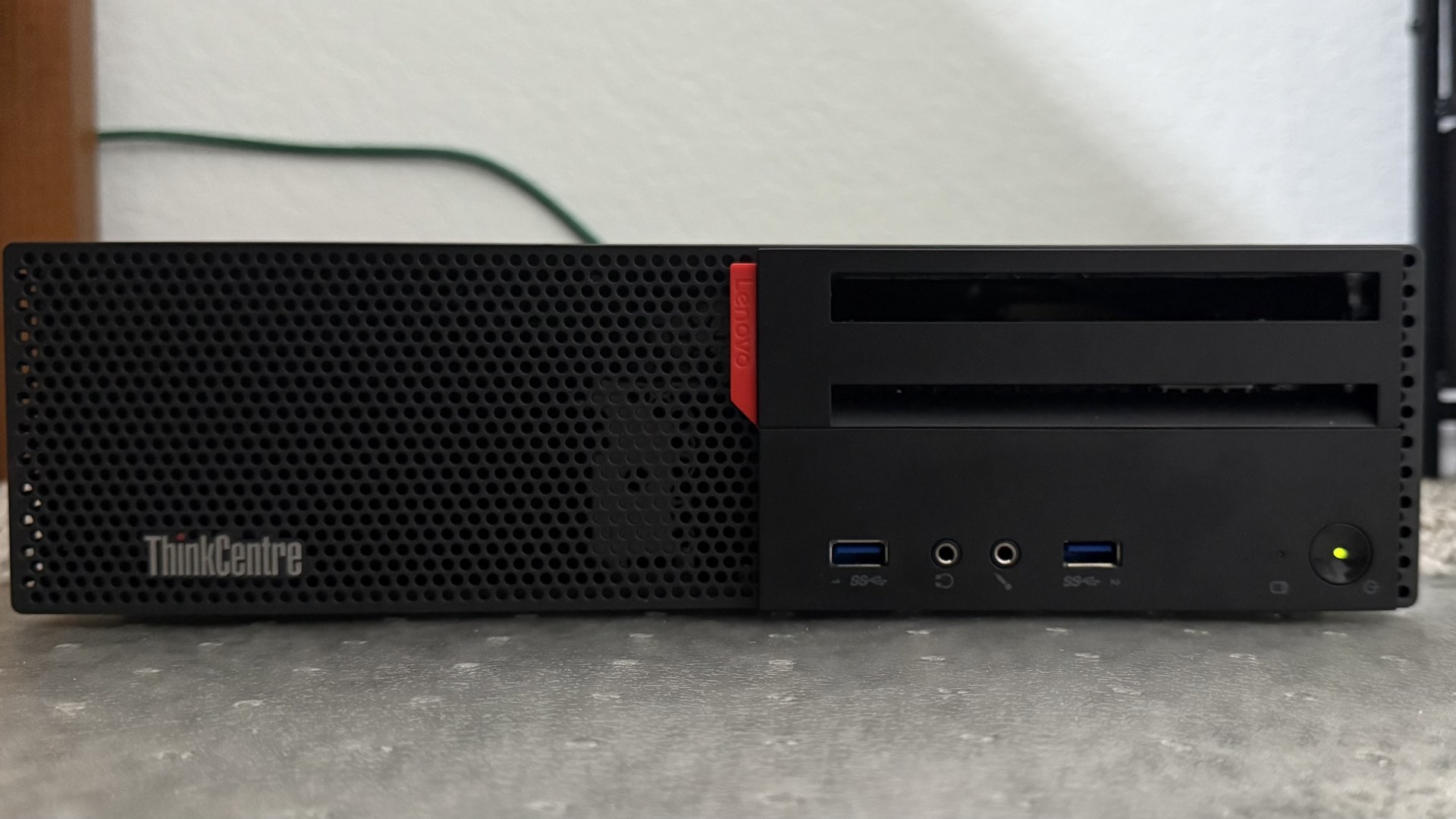
Most of what I do professionally lives above the operating system. This project is the opposite: taking a retired Lenovo ThinkCentre and turning it into a real, self-hosted NAS so I could get my hands dirty with the storage and networking layers directly.
The whole thing is documented in the GitHub repo, hardware photos and all.
The hardware
The box is a Lenovo ThinkCentre M800 SFF with a 6th-gen Core i7 and 16 GB of DDR4, exactly the kind of enterprise machine that gets retired in bulk and sold cheap. A 500 GB drive holds the OS, and a 2 TB laptop HDD makes up the storage pool. Reusing hardware instead of buying a purpose-built appliance was the point: it keeps the cost near zero and forces you to actually understand what you're running.
Inside the chassis: the OS boot drive, the storage HDD, and the DDR4 modules in the compact SFF layout.
The software stack
The system runs TrueNAS SCALE, a Linux-based storage OS, on top of ZFS. ZFS is the reason to do this at all, checksummed data integrity, snapshots, and a real volume manager, and configuring a pool by hand is the fastest way to internalize how it works.
- ZFS pool for the storage layer, currently a single disk
- SMB shares with role-based access control for network file sharing
- Docker / Kubernetes workloads through TrueNAS Apps for self-hosted services
The TrueNAS SCALE dashboard: system health, per-core CPU load and temps, memory usage with the ZFS cache broken out, and the storage pool at a glance.
Secure remote access
The part I care most about is that the NAS is reachable from anywhere without exposing a single public port. Instead of port-forwarding, it joins a Tailscale mesh VPN, so access is identity-based: only my authenticated devices can reach it, and the storage never sits on the open internet. That's a much saner security model than punching holes in a home router.
An honest constraint
The current pool is a single disk, which means no redundancy. That's a deliberate, clearly-stated tradeoff for a v1 learning build, not an oversight, and calling it out matters. The planned next step is moving to a mirrored or RAIDZ pool so the data can survive a drive failure.
Why build it
A NAS you assembled and configured yourself teaches things a managed service never will: how ZFS lays out data, how SMB permissions actually resolve, and what secure remote access looks like when you can't lean on a cloud provider's defaults. It's a working piece of infrastructure and a standing excuse to keep learning the layer underneath the apps I build.
Key Takeaways
Repurposing a retired enterprise mini-PC into a NAS is a cheap, high-signal way to learn Linux storage, ZFS, and networking hands-on.
Identity-based access through a mesh VPN gives real remote access without ever exposing a public port.
Being explicit that a single-disk pool is non-redundant by design is part of doing infrastructure honestly.

